

Choosing the right keyboard for your needs can make a big difference in your comfort, productivity, and even gaming performance. With so many different types of keyboards out there, it’s important to know which features matter most. Whether you’re typing for work, gaming, or just browsing the web, these five key features should be at the top of your list when picking out your next keyboard.
Key Switch Type (Mechanical vs. Membrane)
One of the first things to consider is the type of switches under the keys.
- Mechanical Keyboards: These are known for their distinct “clicky” sound and tactile feedback. They’re great for people who type a lot or gamers who need fast, precise keystrokes. Mechanical keyboards are more durable and often feel more comfortable for long typing sessions.
- Membrane Keyboards: These are quieter and softer to press. They tend to be more affordable and are a good option if you want something that’s quieter and still gets the job done.
Tip: If you want a more satisfying typing experience and don’t mind the noise, go for mechanical. If you want something quieter and budget-friendly, a membrane keyboard is a good choice.
Ergonomics
Ergonomics are especially important if you spend a lot of time typing. A comfortable keyboard can help prevent wrist pain, carpal tunnel syndrome, and other health problems.
Look for keyboards with:
- Wrist rests: These help keep your hands and wrists in a more natural position.
- Split design: Some keyboards are split into two sections to encourage a more relaxed typing posture.
- Curved layouts: These keyboards are designed to reduce wrist strain by tilting the keys at an angle.
Tip: If you’re typing all day, an ergonomic keyboard is a must for comfort.
Backlighting
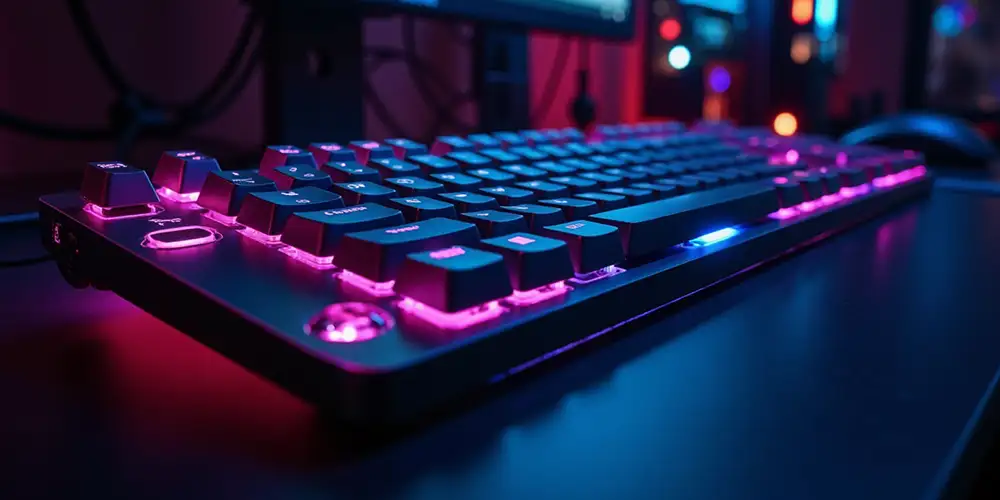
Backlit keys are not only cool to look at but can also be practical, especially if you like working or gaming in low-light environments. Backlighting can help you see the keys clearly when it’s dark.
- RGB backlighting: Some high-end keyboards let you customize the color of the backlighting, allowing for a personalized touch.
- Single-color backlighting: If you just need basic backlighting, look for a keyboard with simple, one-color lighting.
Tip: Backlighting is great if you work or play at night, but it’s not necessary if you usually work in bright lighting.
Key Rollover and Anti-Ghosting
If you game or type quickly, you’ll want to make sure your keyboard can handle multiple key presses at once.
- Key Rollover: This refers to how many keys you can press simultaneously without dropping any input. Look for “N-key rollover” if you want to press as many keys as you like without issues.
- Anti-Ghosting: This feature prevents the keyboard from registering extra or missed key presses when multiple keys are pressed at the same time.
Tip: If you’re a gamer or a fast typist, key rollover and anti-ghosting are essential features for smooth performance.
Connectivity: Wired vs. Wireless
Another important feature to consider is whether you want a wired or wireless keyboard.
- Wired Keyboards: These are generally more reliable and have no delay in input, making them ideal for gaming and heavy typing tasks.
- Wireless Keyboards: These give you more freedom and help you keep your workspace tidy without cables. They’re perfect for people who like to work from a distance or want a cleaner setup.
Tip: If you want maximum reliability and performance, go with a wired keyboard. If you prefer a neat, cable-free desk, a wireless keyboard might be a better fit.





Nice post